Editing pages
Not quite right? You can fix it.
Regenerate an illustration or adjust the words, without starting the whole book over.
Regenerate a page
Open any page in your project and ask for a new illustration. We generate it fresh from the same photos and story text.
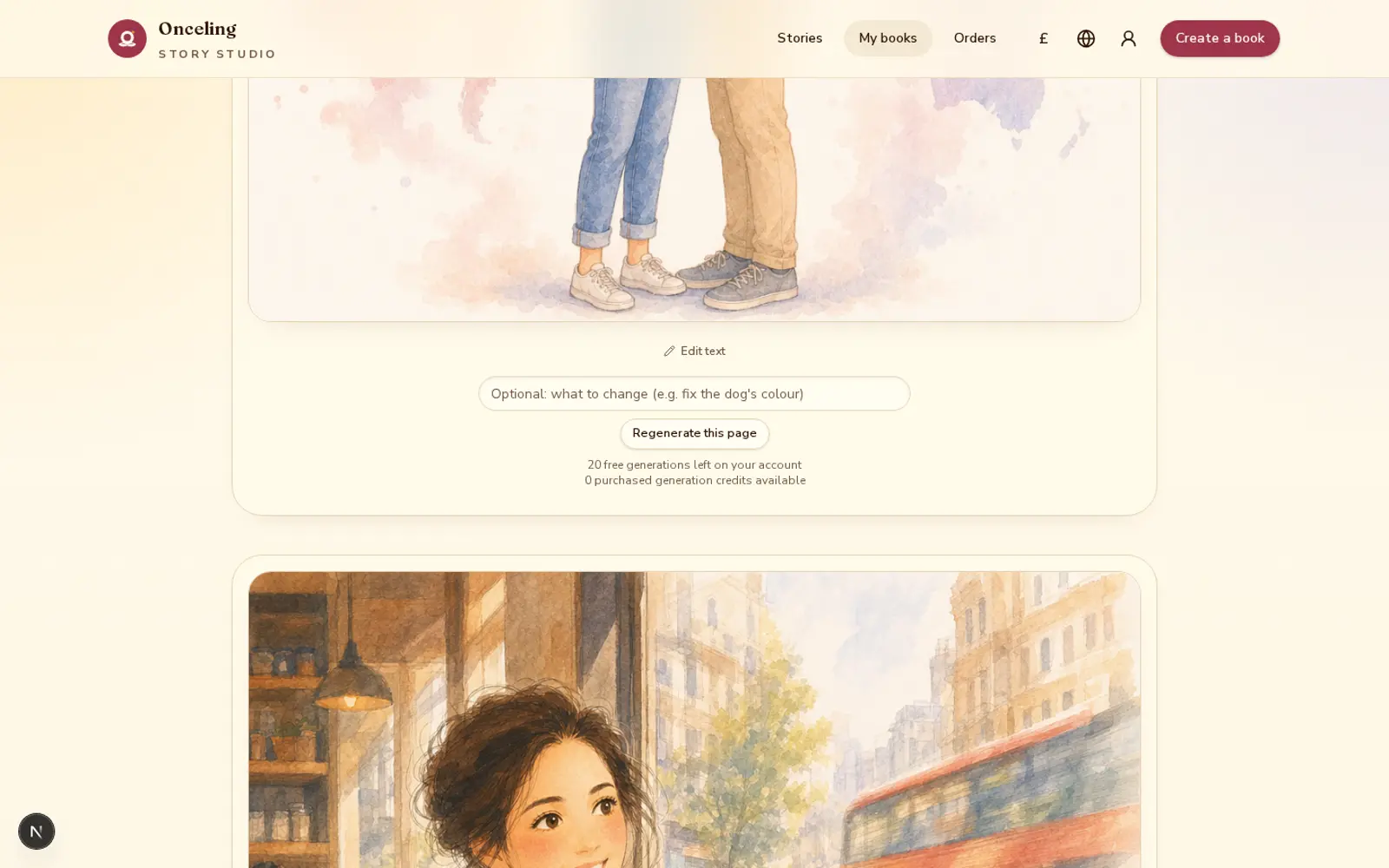
Free credits every month
Every account includes free image-generation credits each month, ready to use for retries and small touch-ups.
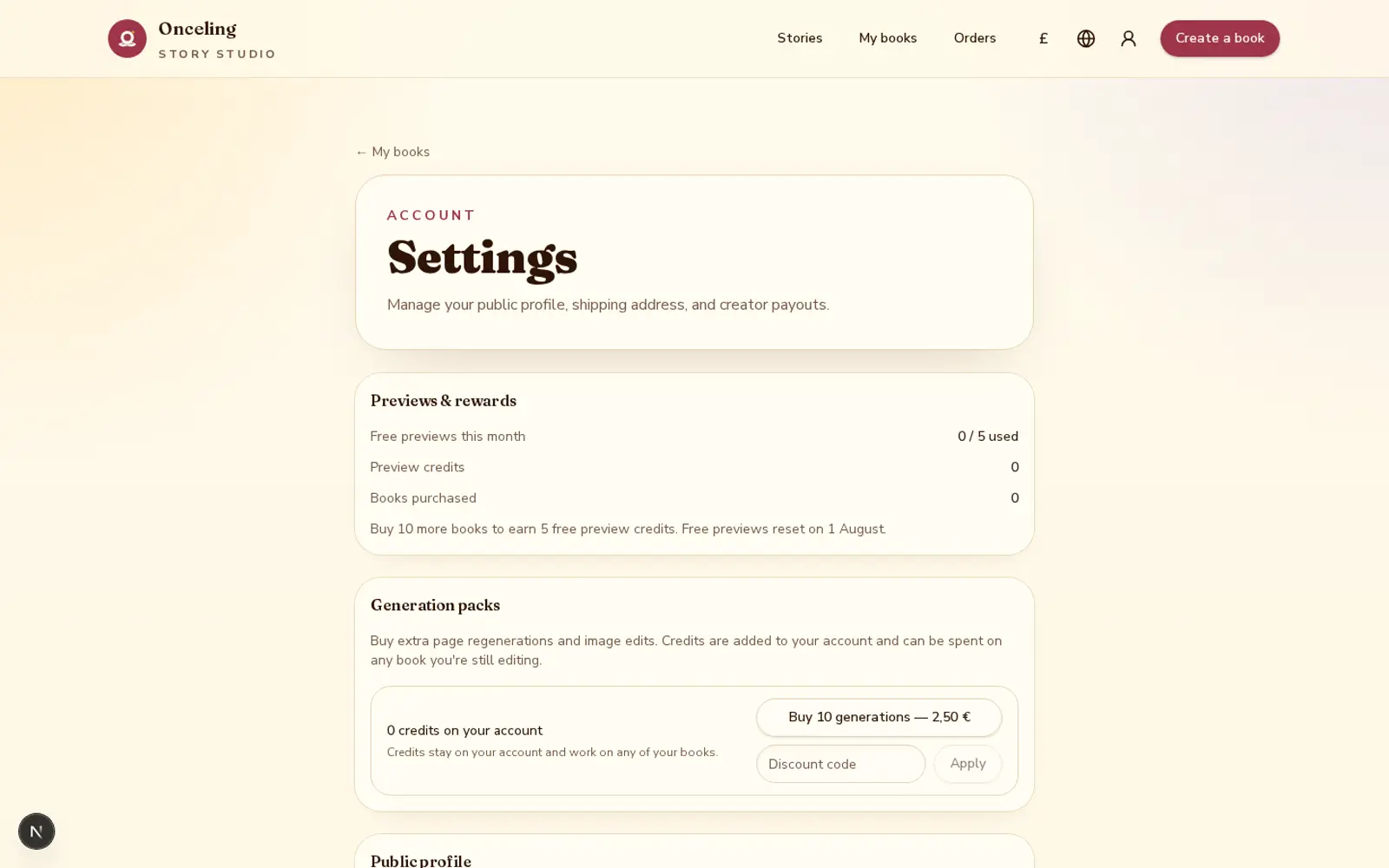
Need more? Buy a pack
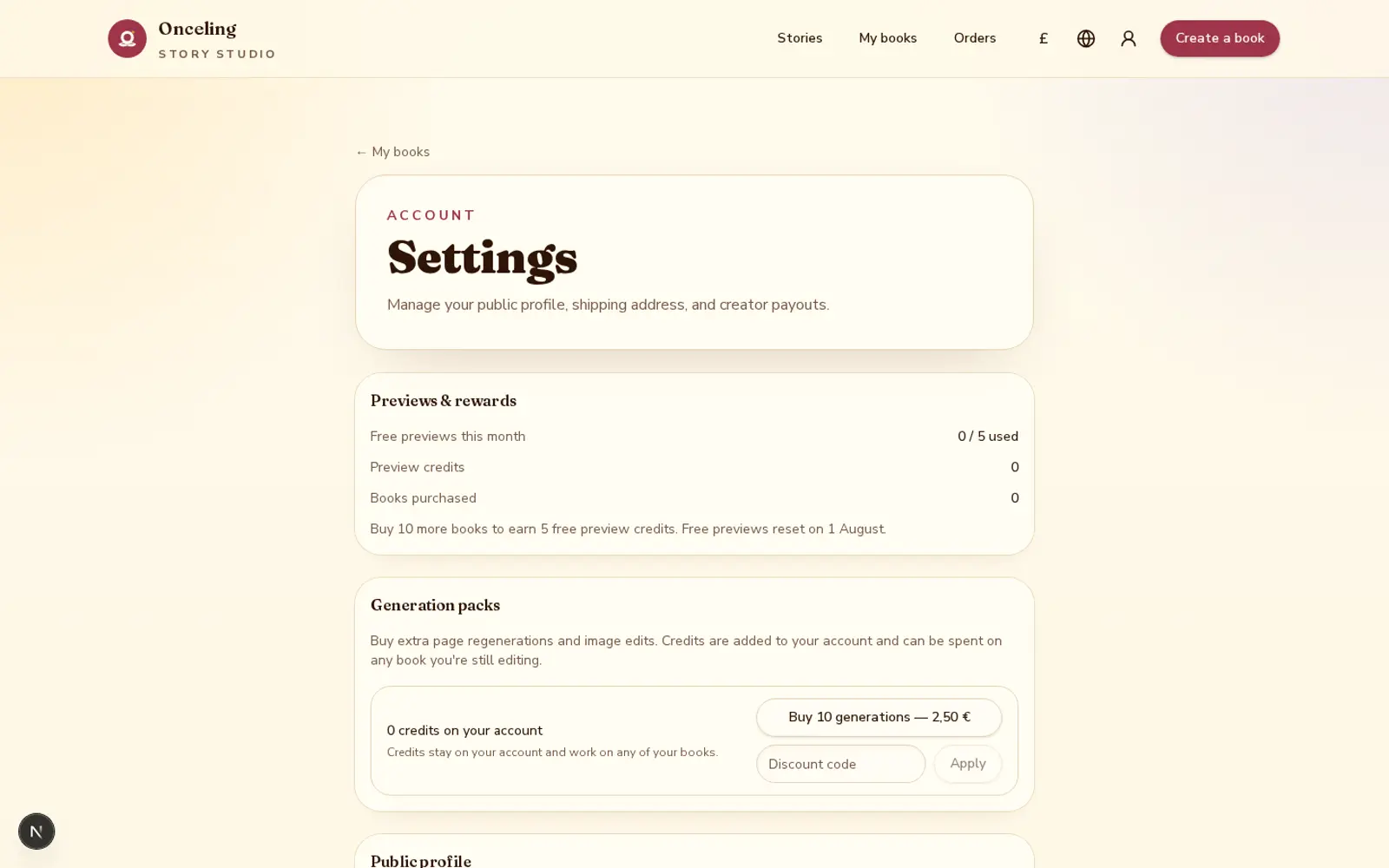
If you use up your free credits, generation packs add more — see pricing for current pack sizes.
Common questions
- Can I redo a page's illustration?
- Yes. Open the page in your project and choose to regenerate it; Onceling creates a new illustration using the same photos and story text.
- Do regenerations cost anything?
- Every account includes free image-generation credits each month for retries and touch-ups. Using a credit doesn't require any extra payment.
- What happens when I run out of free credits?
- You can buy a generation pack — a bundle of extra image-generation credits — to keep regenerating pages; see the pricing page for current pack sizes.
- Can I change the words on a page without changing the art?
- Yes. Text edits update the story copy directly and don't use an image-generation credit, unless your layout has the words burned into the illustration itself.
- Will regenerating a page change other pages?
- No. Regenerating one page's artwork doesn't affect the illustrations or text on any other page.
- Can I regenerate the cover or back cover?
- Yes, the same regeneration flow works for the cover and back cover, both of which always carry their text in the image.